Home / Sales and leads / KA-025
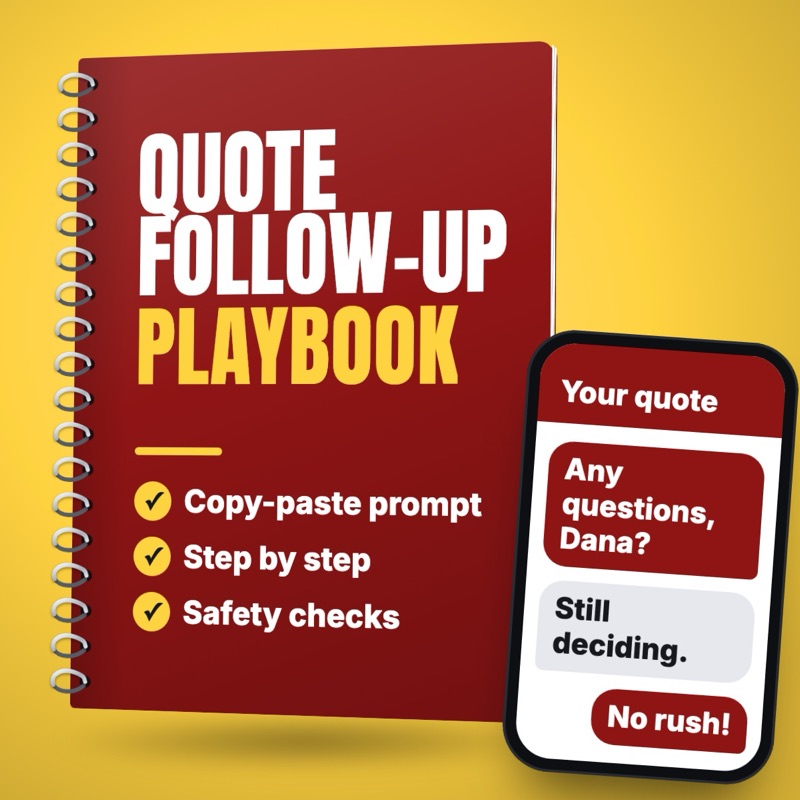
Follow up on quotes that went quiet, without sounding pushy
Draft short, friendly follow-ups for quotes and proposals that got no reply, timed at 2, 7 and 14 days, for a person to check and send.
- Who it suits
- Small business owner, service business sales lead, office manager
- Time saved
- About 10 to 15 minutes per open quote across the follow-ups (estimate)
- Level
- Easy
- Updated
- Oct 22, 2026
The waste this cuts
Quotes you spent an evening on, sitting unanswered because following up feels pushy.
Why this task
You spent an evening on a quote, sent it, and never heard back. Following up can feel pushy, so it's easy to skip, and the job can go to whoever checked in. A short, helpful note a few days later often gets the yes, or at least a clear no so you can stop wondering. An agent can draft those notes from your open quotes list in a few minutes, and you decide what goes out.
You help [BUSINESS NAME], a [TYPE OF BUSINESS] in [TOWN], follow up on quotes that got no reply.

Our follow-up rhythm: [FOR EXAMPLE: DAY 2 CHECK-IN, DAY 7 HELPFUL NOTE, DAY 14 LAST NOTE]
Tone: [FOR EXAMPLE: FRIENDLY, PLAIN, NEVER PUSHY]
Texting rules: [OPT-OUT LINE IF REQUIRED, FOR EXAMPLE: REPLY STOP TO OPT OUT]
What we can truly offer (use only these): [START DATES, A SMALLER FIRST STEP, PAYMENT OPTIONS, OR NONE]

Open quotes (one per line):
[CUSTOMER FIRST NAME | WHAT THEY ASKED FOR | WHAT WE QUOTED AND THE PRICE | DATE SENT | EMAIL OR TEXT | TEXT CONSENT YES OR NO]

For each quote:
0. If they asked by text but text consent is not YES, write an email draft instead, or list them for a phone call. Add our opt-out line to every text.
1. Work out which follow-up is due today from the date sent and our rhythm. If none is due, say so and skip it.
2. Write one message under 80 words for email, or under 300 characters for text. Use their first name, name the job in their words, and make it easy to reply with a simple yes, a question, or not now.
3. The day 14 note should give them an easy way to say no, so we can close the quote.
4. Never change the price, add a discount, or promise a date or offer unless it is listed above.
5. Never invent details about the job. If something is missing, write [CHECK] in the draft.

Return a list: customer, which follow-up, the draft. Do not send anything.
Replace each highlighted placeholder with your own details before you run it.
Steps
- Export or list your open quotes: customer first name, what they asked for, what you quoted, the date sent, how they first contacted you, and whether they agreed to receive texts.
- Decide your follow-up rhythm, for example a check-in at 2 days, a helpful note at 7 days, and a last, easy-to-answer note at 14 days.
- Paste the open quotes and your rhythm into the prompt, plus anything true you can offer, such as a start date or a smaller first step.
- Read every draft. Make sure the job, the price and any dates match the quote exactly.
- Send each approved note from your own email or phone. A person always presses send.
- Mark each quote as won, lost or still open, and only follow up again on the ones still open.
- Once a month, look at how many quiet quotes turned into jobs after a follow-up, and adjust the timing or wording.
What you get
A list of open quotes with the follow-up due today for each, and a short, friendly draft that names the job and the price exactly as quoted. Quotes with nothing due are skipped, and any missing detail is marked [CHECK] for you to fill in.
What can go wrong, and the check for each
A draft changes the price or invents a discount.
CheckThe prompt only allows offers you list, and you compare each draft with the quote before sending.
A follow-up text goes to someone who never agreed to texts, or misses an opt-out line.
CheckThe prompt only drafts texts for customers with recorded consent and adds your opt-out line. Check your local texting rules if you're unsure.
Too many follow-ups annoy the customer.
CheckYour rhythm caps it at three, and the last note gives them an easy way to say no.
A follow-up goes to someone who already said yes or no.
CheckUpdate each quote's status before you run the prompt, and only paste quotes that are still open.
Customer names and prices are pasted into tools carelessly.
CheckUse only tools your business has approved, and paste first names and job details, never full customer files.
Related playbooks
Clean a CRM or contact spreadsheet export and keep every record
Find duplicate contacts, standardize names, phones and addresses, and flag missing fields in a CRM export, with every merge or delete reviewed first.
Draft a re-engagement email sequence for lapsed customers
Draft a short email sequence for past customers who have not bought in a set period. Built from an owner export, with consent and unsubscribe checks.
Draft a proposal or quote cover letter from discovery call notes
Draft a clear proposal or quote cover letter from discovery call notes and your price list. The owner sets every price and checks the scope.